
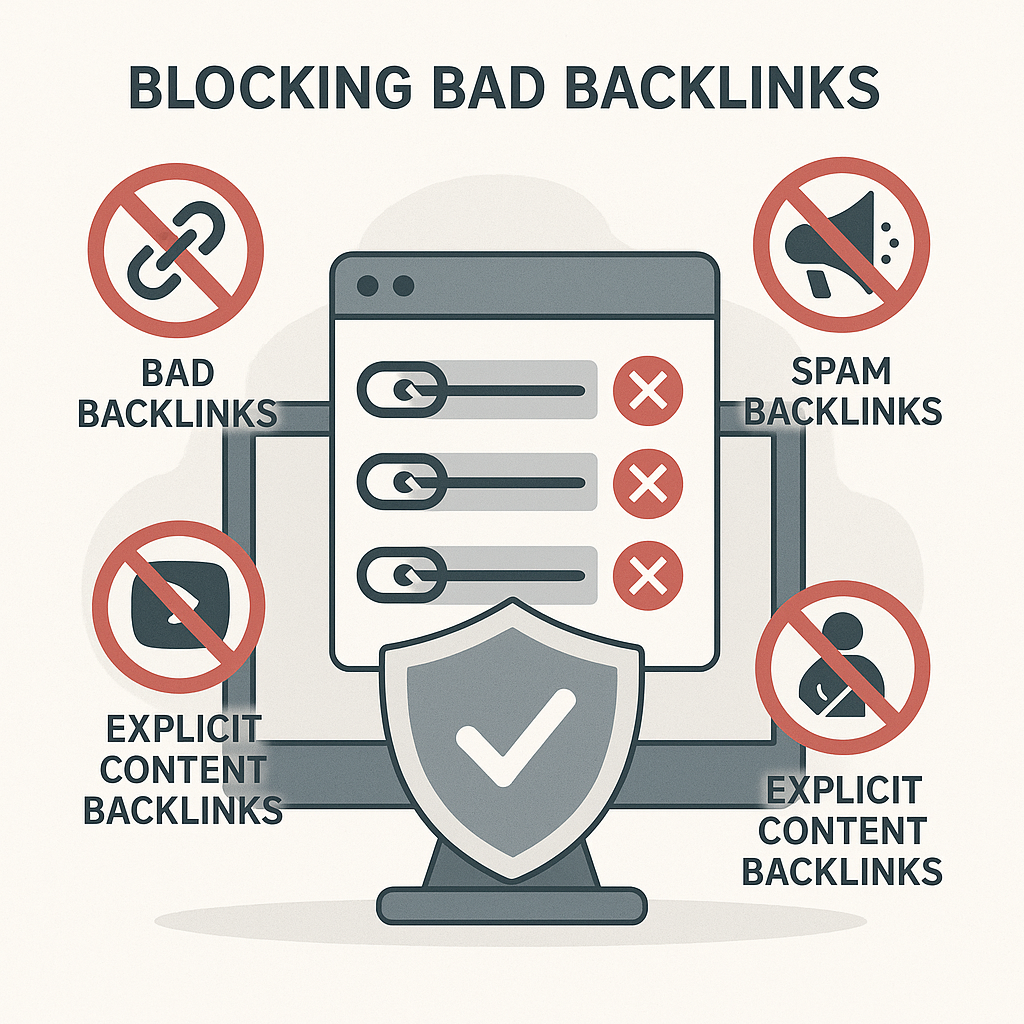
Description
E-Commerce Domain Disavowal List
🛒 Own an online store? Don’t let toxic backlinks tank your rankings.
- Built specifically for e-commerce SEO
- Regularly updated with fresh domain data
- AI Enhanced content classification with text description of the linking website.
- Easy to import into Google’s Disavow Tool
- Removes toxic backlinks from your backlink profile
- Helps protect your rankings & visibility
Perfect for WooCommerce, Shopify, Magento, and any online storefront.
⏳ Takes minutes to apply. Instructions Below.
How to Disavow a Link in Google
If spammy or harmful websites are linking to your site, you can tell Google to ignore them using the Disavow Tool.
-
Identify toxic domains
Use SEO tools or our curated disavowal list to find suspicious or spammy backlinks. -
Create a disavow file
Format a plain text file (.txt) like this:# Disavow spam domains domain:spamlink.com domain:badseo.example
-
Go to the Disavow Tool
Visit the official tool: Google Disavow Tool -
Upload your file
Select your verified domain and upload the .txt file you prepared. -
Done!
Google will process the file and begin ignoring those links.
💡 Tip: Only disavow links if you’re sure they are harmful, domains provided by this subscription are vetted and have been human-checked to be considered harmful or spammy.
This subscription grants access to fresh disavowal domain data through the delivery of a .txt file when requested along with updates for a period of one month.
Allow for up to 24 hours for delivery by email, delivery monthly henceforth on the original date of purchase.